

Roughly one-third of mobile developers use cross-platform frameworks, and that number keeps rising. Teams are responding to real engineering pressure. Native teams are expensive to scale, feature parity drifts over time, and running two codebases slows every release. Cross-platform development gives you a single codebase, tighter control over product velocity, and a way to ship updates without doubling your engineering headcount.
The challenge is that the market is crowded. React Native, Flutter, Kotlin Multiplatform, .NET MAUI, Ionic, and NativeScript all claim to solve the same problem, but they do not behave the same once you add real-world constraints. These differences matter, and they determine whether the framework accelerates your roadmap or becomes technical debt you spend years paying down.
Choosing the right framework is the hardest part, and it is where most teams commit to either a stable long-term delivery pipeline or a stack that collapses under scale.
This blog compares the six most widely used cross-platform frameworks and gives you a clear, technical decision path so you can choose the option that supports your roadmap, compliance requirements, and long-term delivery model.
Key Takeaways
- Cross-platform frameworks solve cost, speed, and feature-parity issues by letting teams ship iOS and Android from one codebase.
- Flutter, React Native, Kotlin Multiplatform, Ionic, .NET MAUI, and NativeScript all work differently under real performance, API, and compliance constraints.
- Framework selection hinges on rendering model, native API access, plugin stability, CI/CD fit, hiring pipeline, and long-term maintainability.
- Flutter excels at UI fidelity, React Native at JS ecosystem scale, Kotlin Multiplatform at shared logic for enterprise teams, while Ionic and MAUI suit web-first and .NET-first teams.
- The right framework prevents technical debt, accelerates releases, and keeps multi-platform apps stable; DEVtrust helps teams architect and implement the stack for long-term scale.
Why Businesses Are Moving to Cross-Platform Development
The global cross-platform app development framework market is projected to grow from 15.67 USD Billion in 2025 to 47.61 USD Billion by 2035, with an annual growth rate (CAGR) of 11.75 during the forecast period 2025 – 2035.
That growth reflects a simple reality. Companies can no longer afford slow release cycles, duplicated engineering effort, and fragmented mobile experiences across iOS and Android. A unified development pipeline is becoming the default for teams that want predictable delivery, lower operating costs, and a codebase that scales without doubling headcount.
Below is a consolidated view of the business pressures and the technical pressures driving this shift, written for teams responsible for budgets, roadmaps, and long term maintainability.
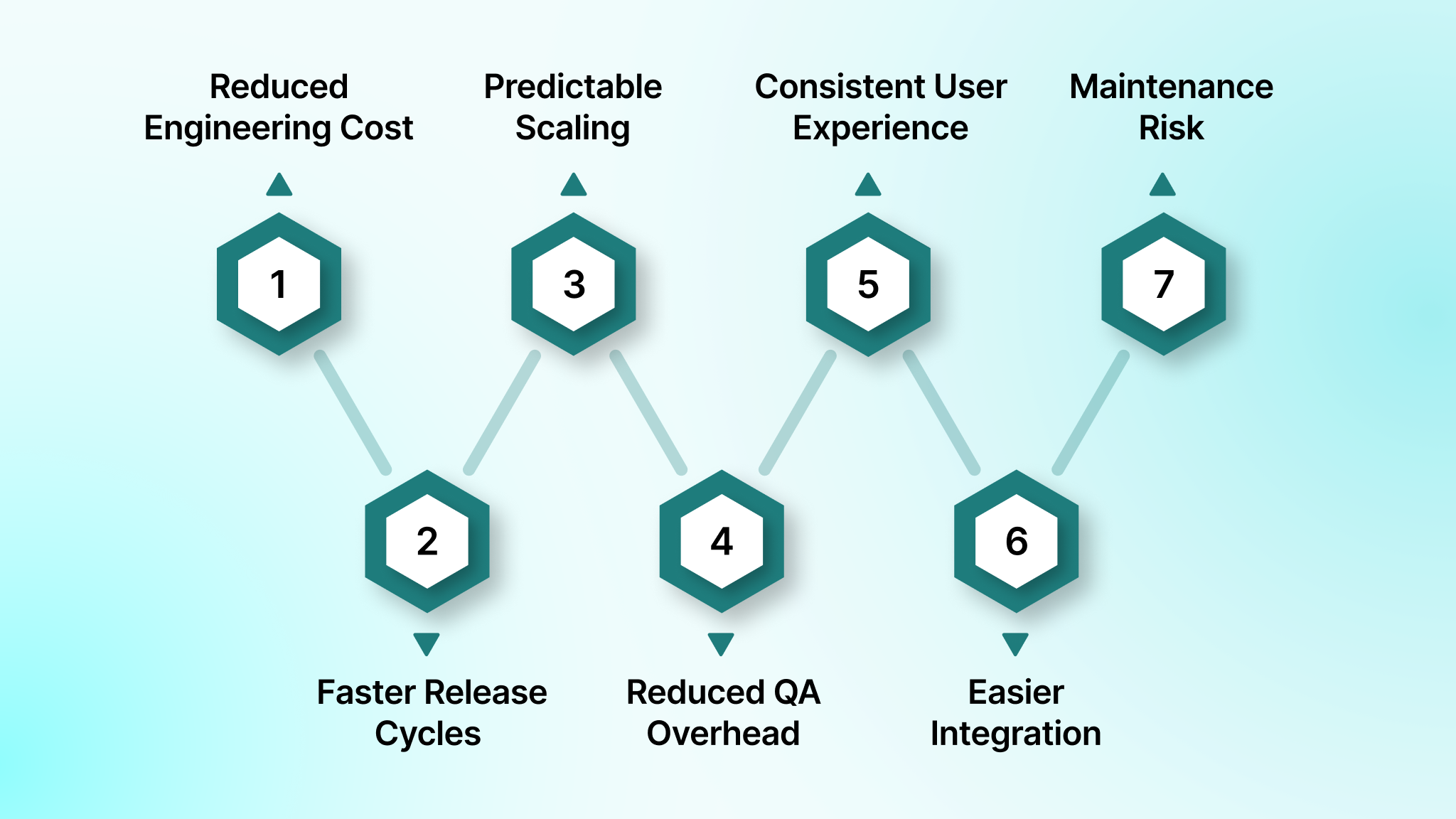
1. Reduced Engineering Cost Through a Single Codebase
- One team can ship and maintain both iOS and Android, instead of parallel native teams.
- Updates, patches, and regulatory compliance changes apply once and propagate everywhere.
- Total cost of ownership drops because you eliminate duplicated builds, reviews, and platform-specific maintenance.
2. Faster Release Cycles and Tighter Product Velocity
- A shared codebase eliminates the feature gap between platforms.
- Teams can execute synchronized release cycles instead of maintaining separate backlogs and pipelines.
- Faster iteration is critical in FinTech (regulatory updates), HealthTech (clinical workflow changes), and logistics (operational changes).
3. Predictable Scaling Without Rewriting the App
- Modern frameworks like React Native, Flutter, and Kotlin Multiplatform handle real world needs such as secure authentication, background tasks, GPS, video calls, and offline data sync.
- Teams avoid costly rebuilds when the product evolves from MVP to enterprise-grade.
- Architecture-first teams gain the flexibility to add native modules only when required, not as a default.
4. Reduced QA Overhead Across Device Ecosystems
- Traditionally, QA teams test two separate native apps, doubling test time.
- Cross-platform apps unify the logic layer, so test scenarios, automation scripts, and device matrices are easier to standardize.
- This matters heavily for Android, where device fragmentation directly impacts stability and performance.
5. Consistent User Experience Across Platforms
- Product teams avoid UI drift between iOS and Android, which often happens when separate native teams prioritize features differently.
- Cross-platform frameworks enforce design system consistency, reducing cognitive friction for users switching devices.
- This strengthens branding and user trust, especially in consumer SaaS and subscription products.
6. Easier Integration with Backend and Third-Party Services
- A single integration layer makes it simpler to connect with APIs such as Stripe, Plaid, Twilio, Google Maps, or Firebase.
- Backend changes roll out uniformly across platforms, reducing versioning issues and API mismatches.
- This is particularly important in FinTech and HealthTech, where backend workflows are deeply interconnected.
7. Lower Long Term Maintenance Risk
- One codebase simplifies technical debt management.
- Security patches, dependency updates, and compliance changes apply once.
- Teams avoid “platform divergence”, one of the most expensive problems in native development.
Top 6 Cross-Platform Frameworks Used in Modern Mobile Development
Cross-platform frameworks have evolved from basic, compromise-driven tools into mature ecosystems capable of supporting complex, production-grade applications. Early solutions struggled with performance, native API access, and long term stability. Modern frameworks deliver near-native execution, cleaner integration patterns, and stable plugin ecosystems that support real workloads across FinTech, HealthTech, logistics, SaaS, and consumer apps.
The market now offers numerous options, but not all of them are suitable for large-scale products or compliance-heavy environments. In this section, we focus on six frameworks that consistently meet the demands of engineering teams building secure, high-performance, multi-platform applications. These frameworks represent the most reliable choices for teams that need predictable behavior, long term maintainability, and strong ecosystem support.
1. Flutter
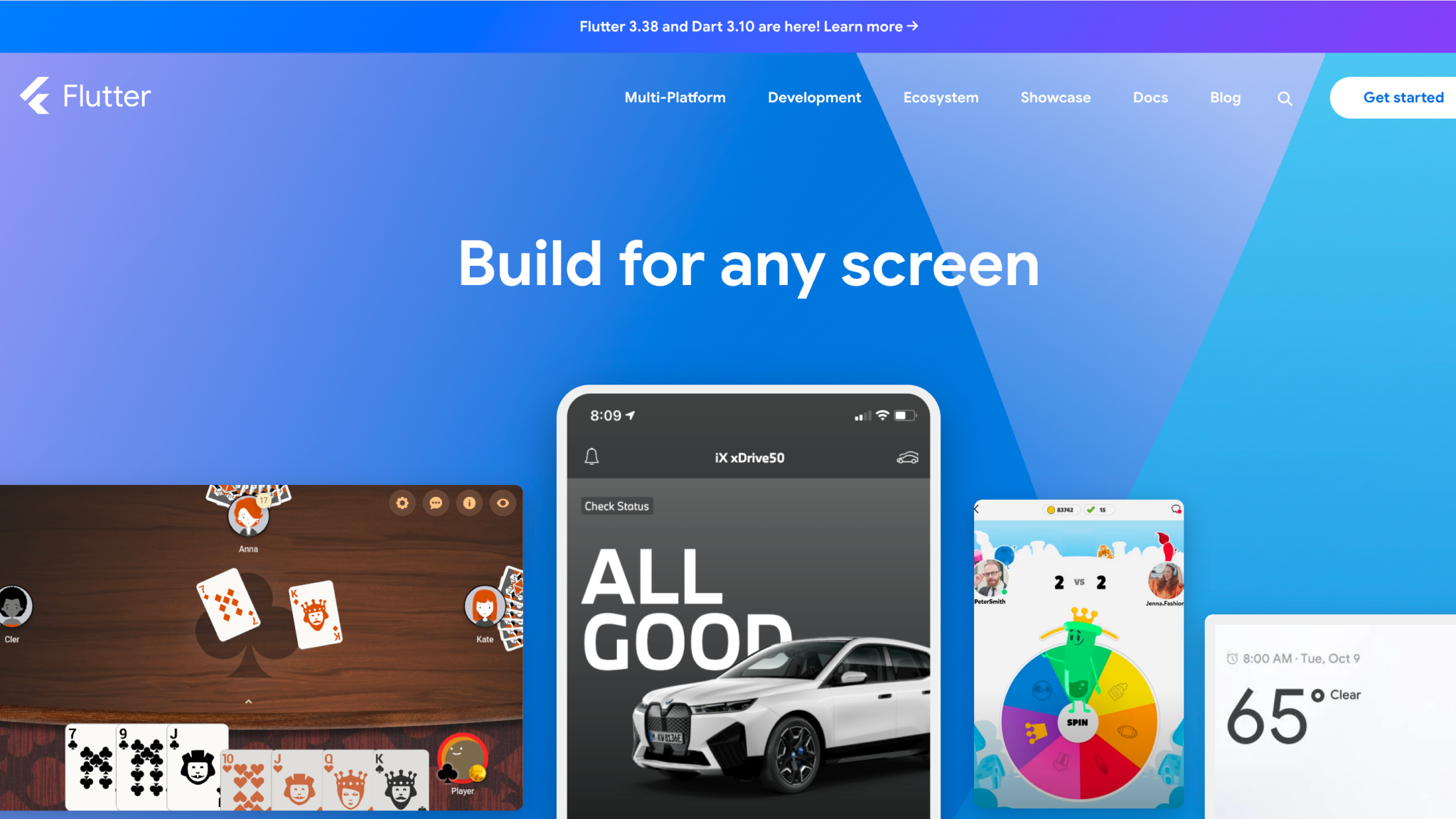
Source:- https://flutter.dev/
Flutter is Google’s cross platform framework built for teams that need full control over interface behavior without depending on iOS or Android view hierarchies. Instead of mapping to native widgets, Flutter renders every component through its own pipeline, giving designers and engineers predictable visual output regardless of device or platform.
This model is suited for builds where product consistency, motion design, and UI fidelity are non-negotiable, especially when the same interface must run across mobile, desktop, and web.
Key Features
- Uses Dart, a strongly typed language optimized for fast compilation and large application codebases.
- Employs the Skia rendering engine, which draws UI directly to the screen without native UI dependencies.
- Ahead-of-time and just-in-time compilation modes to balance production performance with rapid development.
- Declarative layout system that enables structured widget composition and predictable rendering behavior.
- Compatible with multiple state-management patterns, including Bloc, Riverpod, Provider, and Redux.
- Integrated development toolchain with profiling, layout inspection, memory tracking, and real-time debugging.
- Large and actively maintained plugin ecosystem covering storage, networking, payment modules, identity systems, and hardware access.
- Mature community with strong enterprise adoption, backed by Google’s long-term investment and cross-platform roadmap.
- Performs well in visually driven applications, such as branded consumer experiences, payment flows, multimedia interfaces, and enterprise workflow tools.
Example Applications Built With Flutter
- Google Pay
- Alibaba
- Toyota
- eBay Motors
- Google Earth
2. React Native
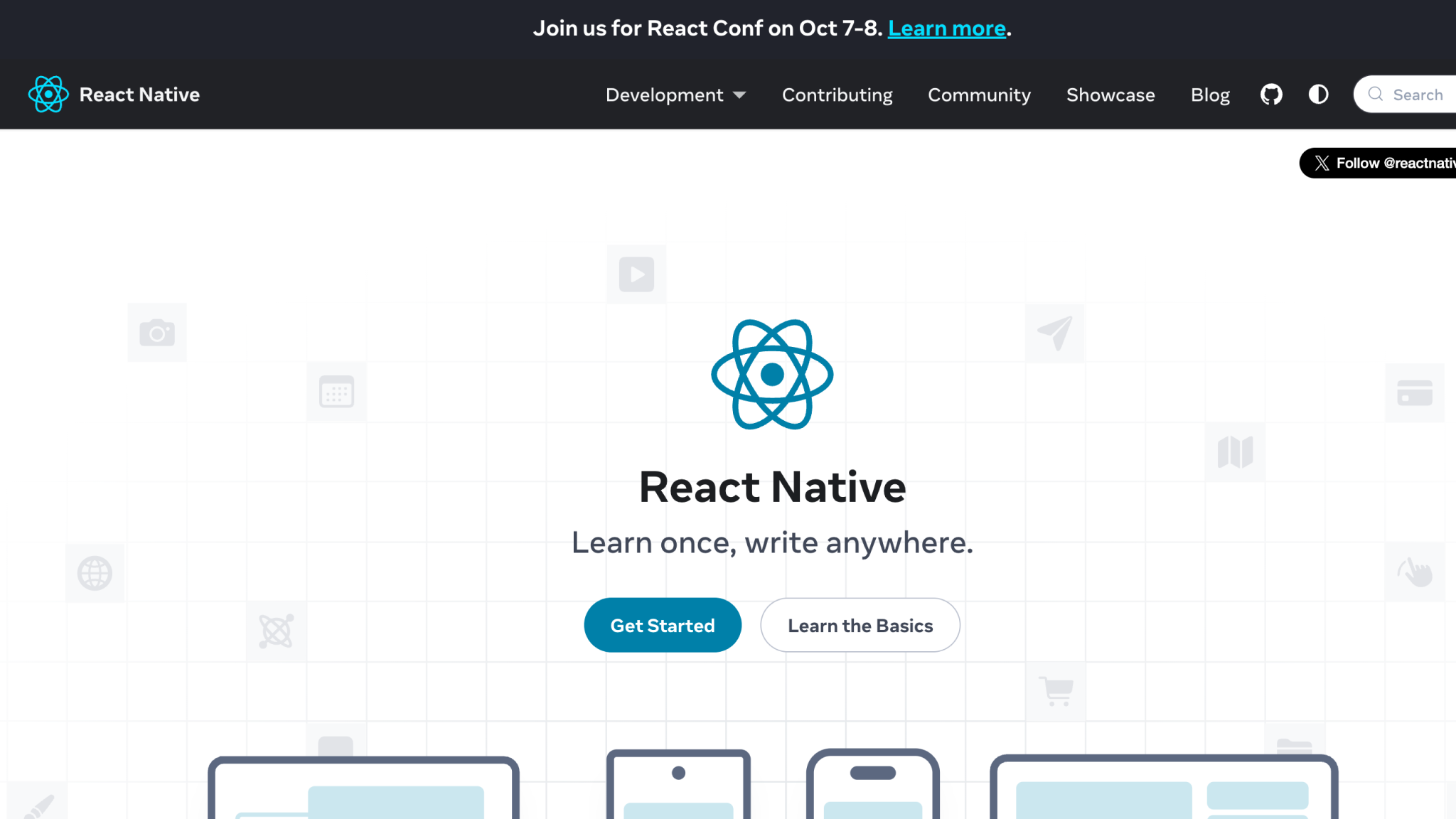
Source:- https://reactnative.dev/
Released by Meta in 2015, React Native adapts React’s component model for mobile delivery so teams can apply web development workflows to build platform-specific apps.
It maps React primitives to platform APIs to enable shared UI logic alongside platform-level access, making it practical to reuse a component ecosystem between web and native projects while keeping the option to drop into native code where needed.
Key Features
- Uses JavaScript, with optional TypeScript support, for all application and component logic.
- Supports Fast Refresh for instant component updates during development.
- Renders UI through native platform components generated from React primitives.
- Integrates with Flipper for layout inspection, network inspection, and unified debugging across iOS and Android.
- Follows a component-based architecture consistent with React’s file and module structure.
- Targets iOS, Android, and web while integrating cleanly with native IDEs such as Xcode and Android Studio.
- Provides access to platform APIs through JavaScript with the option to extend functionality via native modules.
- Includes built-in WebSocket support and utilities for device and OS version detection.
- Backed by a large, mature community with extensive third-party libraries and long-term enterprise adoption.
Example Applications Built With React Native
- Microsoft Office
- Discord
- Shopify
3. Kotlin Multiplatform
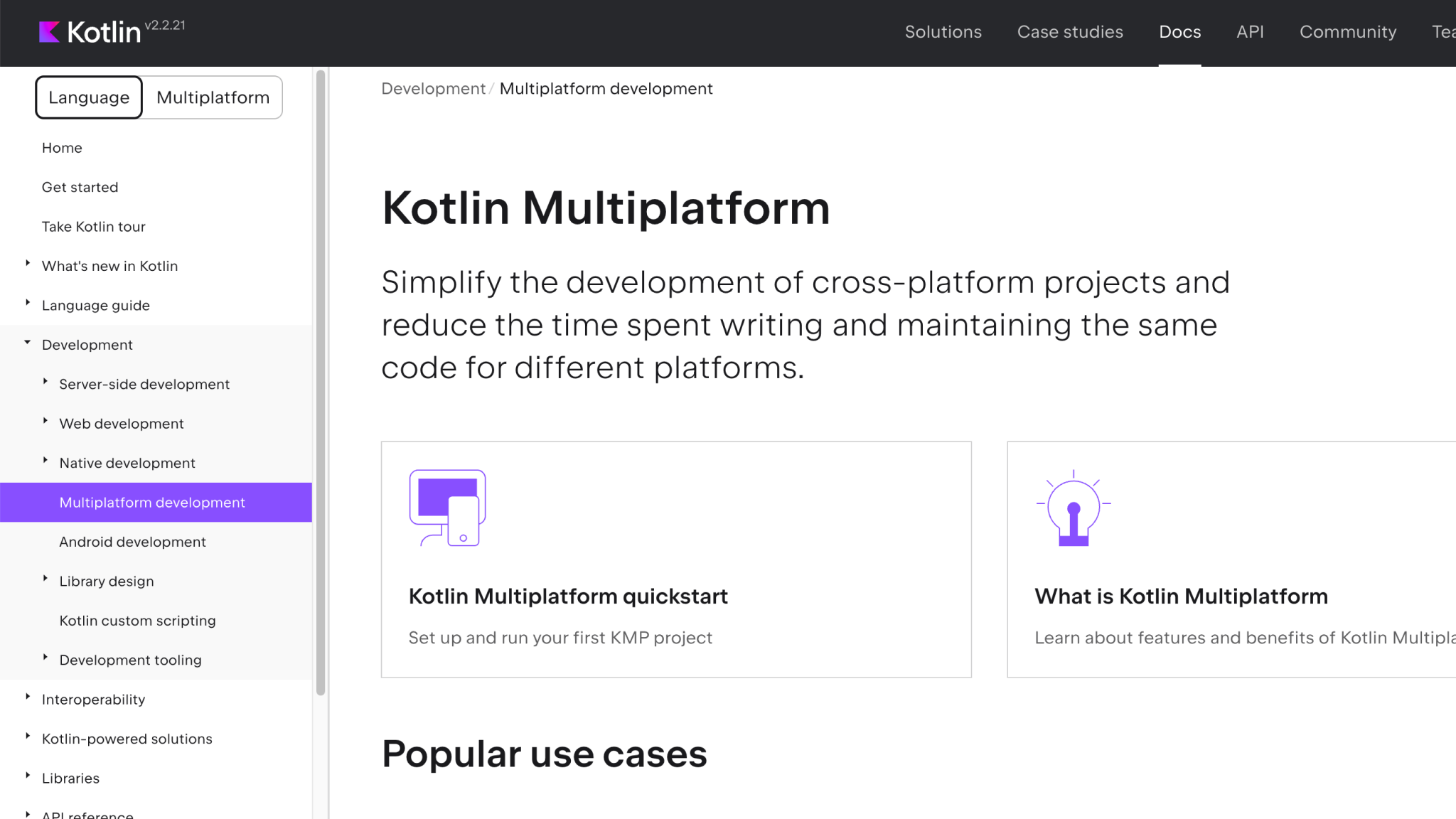
Source:- https://kotlinlang.org/docs/multiplatform.html
Kotlin Multiplatform, developed by JetBrains, enables teams to share code across Android, iOS, desktop, web, and server environments while still retaining native development advantages. It allows feature-by-feature or module-by-module adoption so teams can reuse existing Kotlin codebases without discarding platform-specific implementations.
Its structure supports shared business logic with the option to keep native UI or progressively introduce shared UI through Compose Multiplatform. This flexibility makes it practical for teams migrating from existing native apps or aligning large Android and iOS teams under a unified logic layer.
Key Features
- Uses Kotlin, a strongly typed language suited for scalable application architecture and multiplatform workflows.
- Supports sharing of isolated modules or entire business logic across-platforms with optional UI sharing.
- Integrates directly with platform-specific APIs on Android, iOS, desktop, web, and server.
- Provides seamless interoperability with Swift, Objective-C, and Java for gradual adoption in existing native apps.
- Offers Compose Multiplatform for declarative UIs that can be shared across Android, iOS, desktop, and web.
- Produces native binaries through Kotlin/Native for environments without virtual machines, such as iOS.
- Supports incremental code sharing to expand or limit reuse without affecting platform-specific UI layers.
- Enables cross-language navigation, refactoring, debugging, and previews through IntelliJ IDEA and Android Studio.
- Backed by a growing, mature community, promoted to Stable by JetBrains in 2023, with extensive documentation and active enterprise usage.
Example Applications Built With Kotlin Multiplatform
- McDonald’s
- Netflix
- Forbes
- 9GAG
- Cash App
4. Ionic
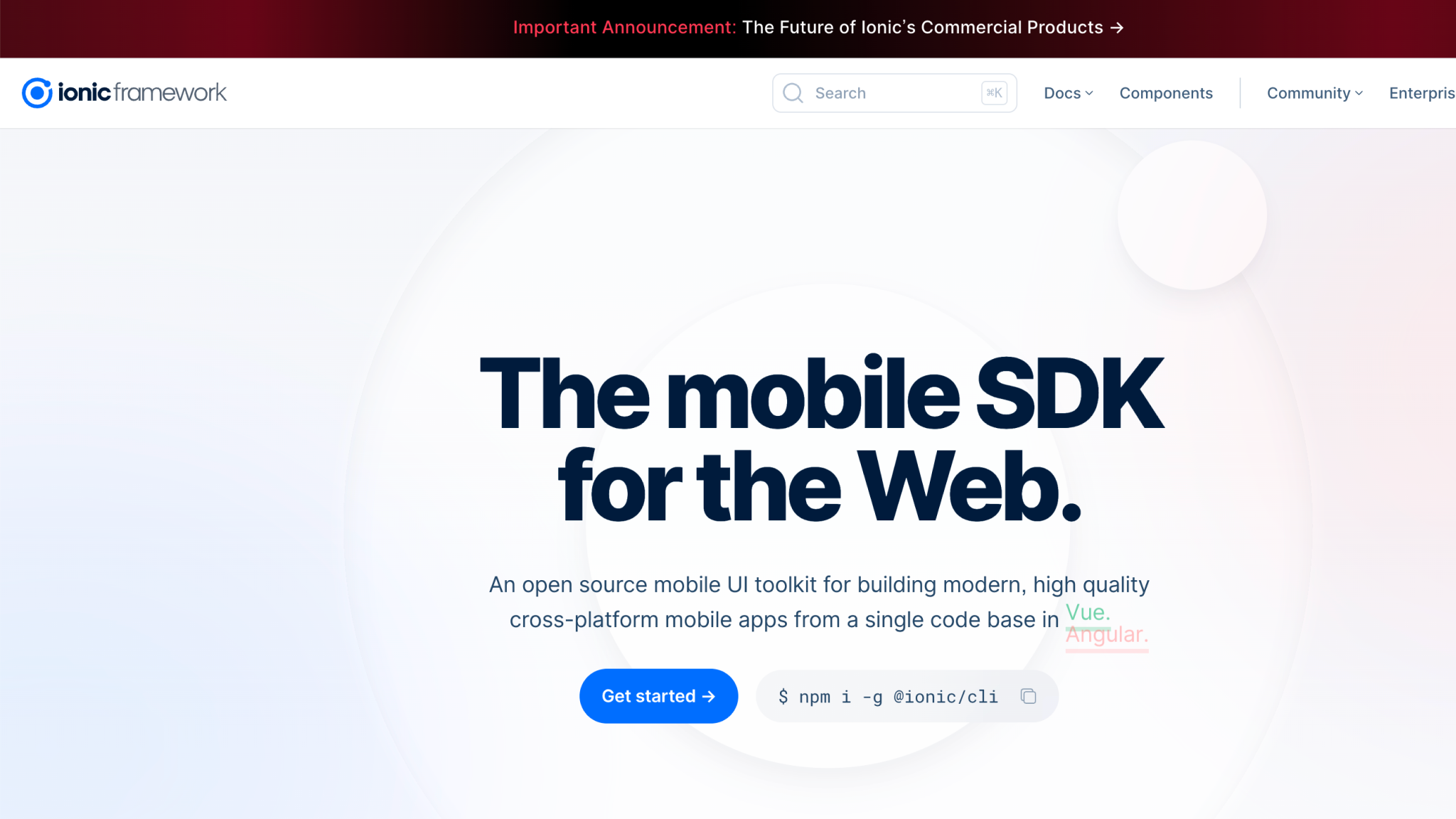
Source:- https://ionicframework.com/
Ionic is an open-source mobile UI toolkit introduced in 2013 that enables teams to build cross-platform applications using standard web technologies such as HTML, CSS, and JavaScript.
Instead of relying on platform-specific UI layers, Ionic focuses on a web-driven development model that allows web-centric engineering teams to deliver mobile, desktop, and Progressive Web App versions from a single codebase. Its integration with frameworks like Angular, React, and Vue makes it a practical option for organizations already invested in modern web ecosystems.
Key Features
- Uses JavaScript for application logic, with optional TypeScript support.
- Relies on WebView-based rendering to deliver hybrid mobile interfaces using HTML, CSS, and DOM APIs.
- Provides a SaaS-based UI framework with prebuilt mobile-oriented components for consistent interface construction.
- Integrates device capabilities through Cordova and Capacitor plugins for camera, GPS, audio recording, flashlight, and other hardware features.
- Includes the Ionic CLI as the primary tool for project creation, builds, asset generation, and runtime operations.
- Supports Angular, React, and Vue integrations, allowing teams to apply familiar frontend paradigms.
- Enables deployment to Android, iOS, Electron, and PWAs from a single codebase.
- Maintained by an active community with ongoing support through the Ionic Framework Forum.
Example Applications Built With Ionic
- T-Mobile
- IBM
- BBC Children’s & Education
- JustWatch
- EA Game
5. .NET MAUI
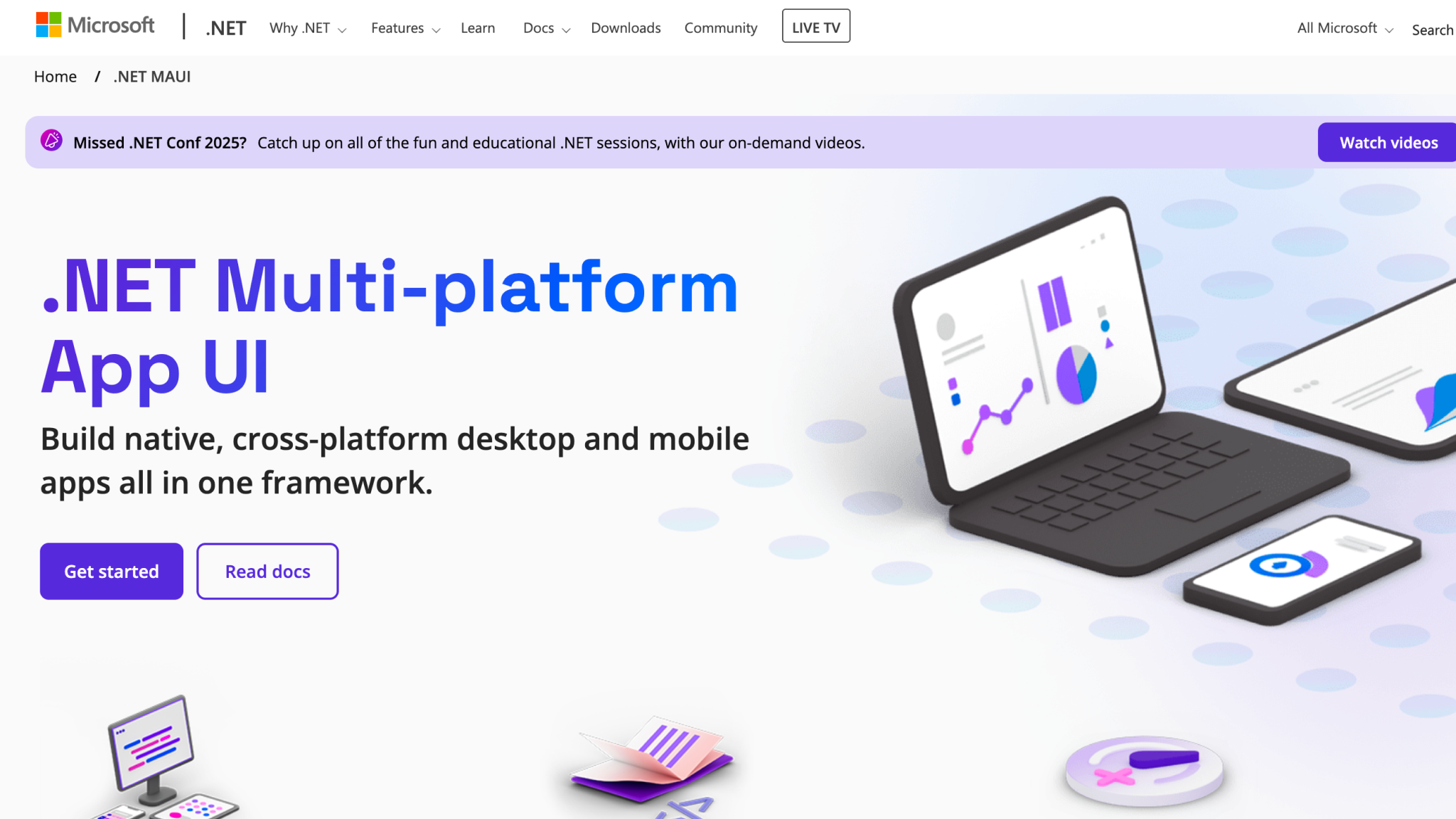
Source:- https://dotnet.microsoft.com/en-us/apps/maui
.NET Multi-platform App UI (.NET MAUI), released by Microsoft in 2022, is the successor to Xamarin.Forms and provides a unified way to build native applications for Android, iOS, macOS, and Windows using C# and XAML.
It extends Xamarin’s model by consolidating platform targets into a single project and rebuilding the UI control set for improved performance and extensibility. MAUI is designed for teams that want to share application logic and UI layout across-platforms while keeping the option to incorporate platform-specific APIs when required.
Key Features
- Uses C# and XAML for application logic and UI layout in a shared codebase.
- Provides cross-platform APIs for accessing native capabilities including sensors, network state, device information, secure storage, and file picking.
- Offers native compilation paths using JIT for Android and AOT for iOS, with platform-specific runtime behavior managed through Mono and CLR.
- Supports a single project system using multi-targeting to build for Android, iOS, macOS, and Windows from one structure.
- Includes an updated UI control set with layout engines, page types, navigation models, and customizable handlers.
- Enables direct access to underlying platform APIs when deeper integration is required.
- Integrates .NET Hot Reload and XAML Hot Reload for applying code or UI changes without restarting the application.
- Provides cross-platform graphics APIs for drawing, compositing, and rendering shapes and images.
- Supported by tooling in Visual Studio on Windows and macOS, with debugging, previews, and cross-language navigation.
- Maintained by an active community on Stack Overflow and Microsoft Q&A with ongoing updates from Microsoft.
Example Applications Built With .NET MAUI
- NBC Sports Next
- Swipelore
- Escola Ágil
- Irth Solutions
6. NativeScript
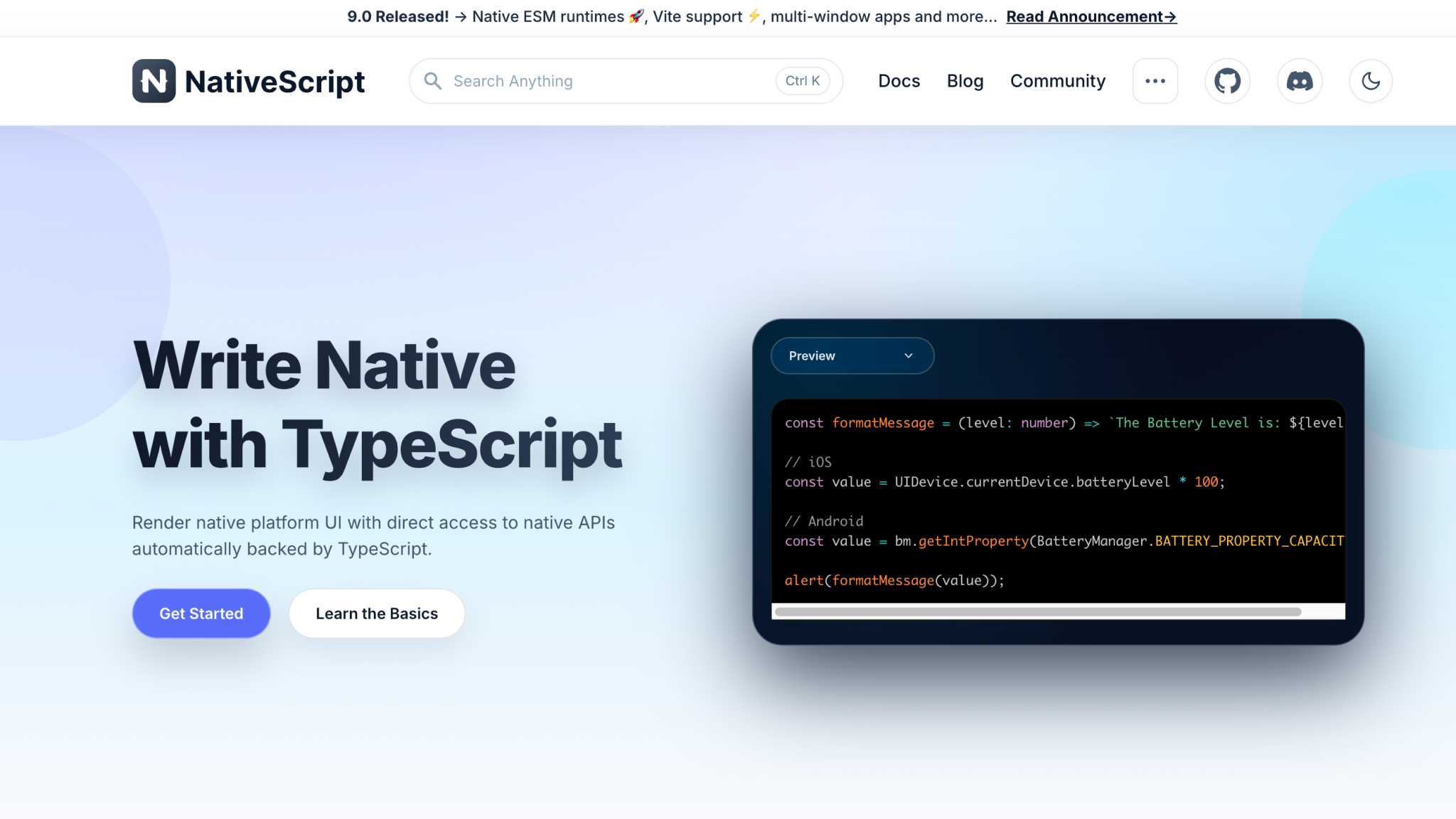
Source:- https://nativescript.org/
NativeScript is an open-source framework introduced in 2014 that enables teams to build Android and iOS applications using JavaScript, TypeScript, or web frameworks like Angular and Vue.js.
It provides a development model where app code interacts directly with native platform APIs and renders platform-native interfaces rather than relying on WebViews. This makes NativeScript suitable for teams that want a web-driven language stack while still producing fully native UI on each platform.
Key Features
- Uses JavaScript or TypeScript for application logic, with support for Angular, Vue.js, and other web-driven frameworks.
- Accesses native Android and iOS APIs directly without additional bridging layers.
- Renders platform-native UI components instead of WebViews for native performance characteristics.
- Offers a plugin ecosystem and prebuilt templates to accelerate project setup and feature delivery.
- Provides a unified CLI for project creation, builds, and runtime operations.
- Supports component sets that map directly to native UI building blocks.
- Works with JavaScript-based code that transpiles cleanly to mobile execution environments.
- Backed by an active community, commonly adopted by smaller teams and startups due to its familiar web technology foundation.
Example Applications Built With NativeScript
- Daily Nanny
- Strudel
- Breethe
- ActiveLook
- Aura CO₂
Each of these frameworks comes with trade-offs in terms of performance, complexity, and team fit. To help you evaluate the options more clearly, here is a side-by-side comparison of the top cross-platform frameworks covered in this guide:
| Framework | What It’s Best For | Programming Language | Rendering Model | Community Maturity | Notable Strengths | Example Apps |
|---|---|---|---|---|---|---|
| Flutter | High-fidelity UI, multi-surface consistency (mobile, web, desktop) | Dart | Custom rendering engine (Skia) | Mature, strong enterprise backing (Google) | Pixel-perfect UI, predictable rendering, strong tooling, large plugin ecosystem | Google Pay, Alibaba, Toyota, eBay Motors, Google Earth |
| React Native | Teams with JS/TS skills, apps requiring native components + rapid iteration | JavaScript / TypeScript | Native UI components | Very mature, massive ecosystem | Fast Refresh, deep platform API access, strong third-party libraries, shared React component model | Microsoft Office, Facebook, Instagram, Discord, Shopify |
| Kotlin Multiplatform | Enterprises unifying Android + iOS logic, gradual migration from native apps | Kotlin | Native UI or shared Compose Multiplatform UI | Growing fast, JetBrains-backed, Stable since 2023 | Optional code sharing, native performance, Kotlin/Native binaries, seamless platform API use | McDonald’s, Netflix, Forbes, 9GAG, Cash App |
| Ionic | Web-first teams shipping mobile + desktop + PWAs from one codebase | JavaScript / TypeScript | WebView (hybrid) | Established, strong web-dev community | Fast UI assembly, easy web-to-mobile transition, Capacitor/Cordova plugin ecosystem | T-Mobile, IBM, BBC Children’s, JustWatch, EA Games |
| .NET MAUI | C#/.NET teams building native apps for Android, iOS, macOS, Windows | C#, XAML | Native controls | Growing, Microsoft-supported | Single project system, native API access, Hot Reload, enterprise-grade tooling | NBC Sports Next, Escola Ágil, Swipelore, Irth Solutions |
| NativeScript | Web developers delivering fully native UI without React Native’s model | JavaScript / TypeScript (with Angular/Vue) | Native UI | Stable, strong for small/medium teams | Direct native API access, no WebViews, flexible framework choice, unified CLI | Daily Nanny, Strudel, Breethe, ActiveLook, Aura CO₂ |
Selecting a Cross-Platform Framework: The Factors That Actually Matter
Teams often select a framework based on familiarity, a trending ecosystem, or a single benchmark comparison. This shortcut looks efficient early on but becomes costly when the product grows and the team realizes the tool cannot support their integration needs, compliance requirements, or long-term architecture strategy.
To avoid locking the product into constraints that surface only after launch, engineering leaders should evaluate a framework against concrete technical and organizational demands. The criteria below reflect the factors that most impact scalability, maintainability, and delivery speed.
Native API Coverage on Day One
Assess whether the framework gives direct access to required platform APIs (camera pipeline, health sensors, BLE stack, background fetch, secure enclave, biometrics). If your app relies on features the framework cannot expose cleanly, the cost of custom bridges can exceed native builds.
Strength of Plugin Ecosystem for Your Exact Use Case
Evaluate plugins required for your domain: payments (Stripe, Razorpay), maps (Google Maps, Mapbox), media handling, offline storage, push notifications, and analytics. Check their maintenance history, breaking changes, and release cadence. Weak ecosystems inflate engineering hours.
Rendering Model Suitability
Flutter’s Skia engine, React Native’s native component bridge, MAUI’s platform UI, Ionic’s WebView, and KMP’s optional UI sharing behave very differently. If your app requires heavy animation, GPU compositing, or interactive visual layers, the rendering model becomes the deciding factor.
Long-Term CI/CD Viability
Some frameworks require multiple build chains, additional toolchains, or platform-specific runners. Confirm compatibility with your release automation (Fastlane, GitHub Actions, Bitrise) and ensure that version bumps do not break pipelines.
Team Capability and Future Hiring Reality
Choosing Dart, C#, or Kotlin changes your hiring pipeline. Ionic and React Native leverage web-first talent; KMP depends heavily on Kotlin-first engineers. Framework selection is also a hiring strategy.
Predictability of Updates and Breaking Changes
Assess release policies: Flutter and MAUI have structured roadmaps, while plugin ecosystems can lag. KMP recently reached Stable but still evolves quickly. Decide whether your team can handle frequent refactoring or requires slow, predictable versioning.
Compliance and Security Fit
Apps handling PHI, PCI, or PII need frameworks with stable encryption libraries, safe plugin dependencies, and predictable native bindings. If achieving SOC 2 or HIPAA alignment is part of the roadmap, reduce reliance on third-party plugins with unknown maintenance.
Offline and Storage Constraints
Frameworks differ in how they handle SQLite, background sync, encrypted storage, and large local caches. Logistics, fintech, and healthcare apps frequently break when the framework’s storage and background execution constraints are not evaluated upfront.
Performance Envelope Under Realistic Load
Prototype tests are misleading. Evaluate scroll performance on large data sets, animation responsiveness, cold-start times, and memory footprint under stress conditions. Each framework behaves differently on low-end Android devices, which often become the bottleneck.
Multi-Platform Roadmap Alignment
If future expansion includes desktop or web, Flutter and MAUI provide multi-surface support out-of-the-box, while React Native and KMP may require additional layers or tooling. Choose based on where the product is going, not just where it is today.
Vendor and Ecosystem Stability
Microsoft backs MAUI, Google backs Flutter, JetBrains backs KMP. Ionic and NativeScript rely more heavily on community contributions. Evaluate the risk tolerance of your organization before committing long-term.
How DEVtrust Supports Your Cross-Platform Development Strategy
Engineering teams often discover too late that framework selection is only one part of a much larger delivery problem. The real challenges surface when integrations, compliance requirements, release pipelines, security hardening, and platform parity start to stretch the framework beyond ideal demo conditions. Teams need support not just in choosing a framework, but in designing the architecture, QA workflows, data models, and CI/CD processes that keep these frameworks stable at scale.
DEVtrust solves these issues by aligning cross-platform builds with the same engineering discipline used in large-scale FinTech, HealthTech, SaaS, and logistics applications. We design the application structure, API contracts, compliance boundaries, performance baselines, and cloud infrastructure around the framework you choose, ensuring the product behaves consistently across Android, iOS, web, and desktop without accumulating technical debt.
What DEVtrust Delivers
- Architecture design for Flutter, React Native, Kotlin Multiplatform, Ionic, .NET MAUI, and NativeScript, mapped to your product’s scale and compliance requirements.
- Back-end development in Node.js and Django with secure API contracts, rate-limiting strategies, and versioned endpoints for multi-client apps.
- Front-end engineering aligned with each framework’s rendering model, state management patterns, and plugin ecosystem.
- AI and ML integrations for chatflows, personalization, OCR, and automation using OpenAI, Vertex, AWS AI, and Azure AI.
- Security controls including SOC 2 alignment, PCI-DSS considerations for payments, encrypted storage, MFA flows, and secure authentication with Auth0, Firebase, or custom identity.
- Cloud-native infrastructure on AWS, GCP, or Azure with CI/CD pipelines, multi-device testing, crash diagnostics, and update automation.
- Mobile-specific performance optimization and App Store Optimization considerations for improving discoverability and install conversions.
- Unified QA process covering device compatibility, accessibility conformance, offline behavior, and release gating for both iOS and Android.
- UX and UI design systems tuned for cross-platform consistency while respecting platform gestures, navigation models, and accessibility rules.
DEVtrust provides the technical depth and architectural guidance required to turn your chosen framework into a reliable multi-platform delivery engine rather than a future constraint.
Conclusion
Cross-platform development has matured into a core strategy for companies that want to ship faster, reduce duplication, and keep Android, iOS, web, and desktop aligned under one architecture. As frameworks evolve, the teams that benefit most are the ones who choose a tool that fits their performance profile, their integration needs, and their long-term product roadmap.
The future belongs to organizations that treat framework selection as an architectural decision rather than a convenience. With the right foundation, releases stay predictable, feature parity becomes manageable, and multi-platform scaling no longer introduces hidden engineering costs.
DEVtrust delivers mobile development across popular cross-platform frameworks, backed by secure APIs, cloud-native infrastructure, AI integrations, UI/UX systems, and end-to-end QA. We help you evaluate, architect, and build cross-platform applications that remain stable long after launch.
Need a cross-platform team that can architect clean modules, stable APIs, and reliable multi-device builds?
DEVtrust delivers production-grade Flutter, React Native, and KMP apps with secure data flows, fast releases, and zero platform drift.
Book a strategy call with our teamFrequestly Asked Questions
Related Articles
Mobile App Development
A Step-by-Step Framework for Business Mobile App Development

Mobile App Development
Machine Learning App Development: A Comprehensive Guide
Mobile App Development