Let's Talk

AI - OCR

Intelligent Invoice Processing and Automated Data Extraction Platform

Resume Score Overview

Product Overview

  • tickAI-powered invoice processing platform with OCR + intelligent data extraction
  • tickAutomatically reads invoice PDFs and captures key details
  • tickConverts unstructured invoices into structured, user-defined formats
  • tickValidates and formats data for ERP-ready CSV exports
  • tickEliminates manual data entry and spreadsheet work Secure, role-based access for HR teams
  • tickReduces errors and speeds up finance workflows
  • tickStreamlines invoice-to-accounting process through automation
  • tickTransforms invoice handling into a fast, scalable, AI-driven system
What it handles banner

What It Handles

Invoice Bridge AI manages the complete invoice processing lifecycle:

  • tick

    User registration and role-based access

  • tick

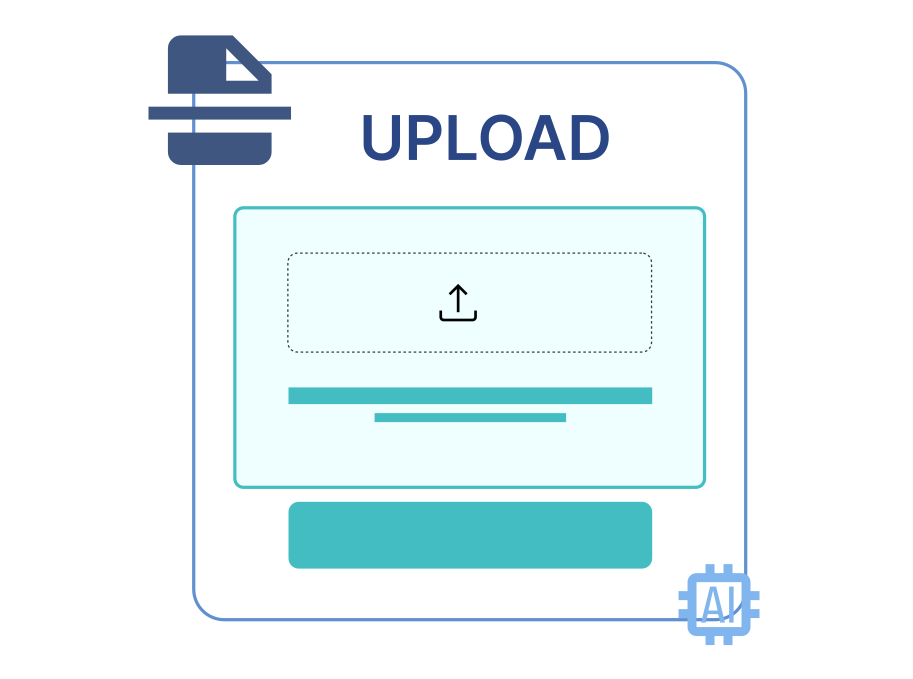
    Invoice upload (PDF and multiple formats)

  • tick

    OCR-based invoice data extraction

  • tick

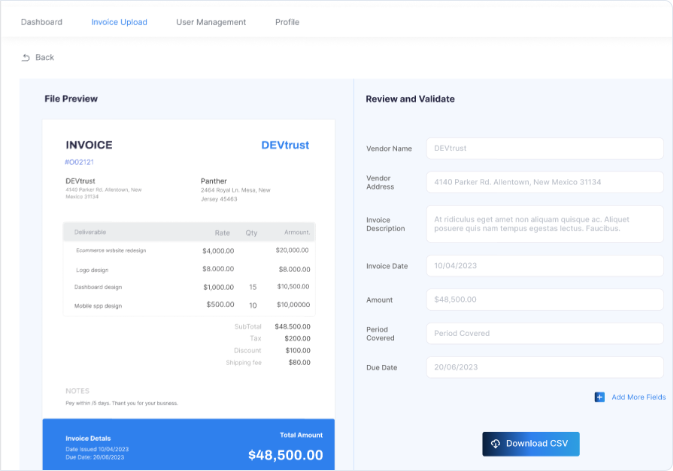
    Custom field selection and validation

  • tick

    Real-time preview and correction Shortlisting and rejection workflows

  • tick

    CSV generation (Standard or Client-Specific Format)

  • tick

    Bulk invoice processing (up to 10 at once)

  • tick

    Admin dashboard and subscription management

  • tick

    ERP integration for automated invoice fetching

  • tick

    Notifications for account and payment updates

  • tick

    All invoice records are structured, traceable, and export-ready

Core Capabilities

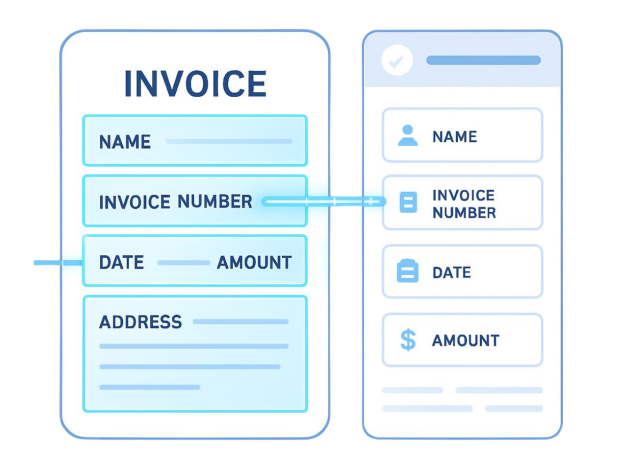
The platform reads uploaded invoice PDFs and extracts key-value pairs such as:

  • tick

    Invoice Number

  • tick

    Invoice Date

  • tick

    Vendor Details

  • tick

    Line Items

  • tick

    Tax Information

  • tick

    CTCTotal Amount

  • tick

    Payment Terms

It intelligently handles varied invoice layouts and formatting inconsistencies.

Result: Result: Eliminates manual invoice data entry and reduces extraction errors.

Workflow banner

Workflow

  • 1

    User signs up and verifies account

  • 2

    Admin assigns roles and permissions

  • 3

    User uploads invoice(s) (PDF format)AI extracts candidate details

  • 4

    System performs OCR-based AI extraction

  • 5

    User selects and maps required fields

  • 6

    Preview and validate extracted data

  • 7

    Generate and download CSV

  • 8

    (Optional) Automatically sync with ERP

Security

Secure
authentication

Activity logging
and action tracking

Controlled candidate
visibility by user role

Automation Triggers

Invoice Bridge AI automatically initiates actions based on system and user events:

Initiates OCR extraction the moment a PDF is uploaded.

Triggers concurrent extraction for up to 10 invoices simultaneously.

Fetches and processes invoices directly from connected ERP systems.

Formats and prepares CSV export once extraction is verified.

Sends instant alerts for payments, subscriptions, and account events.

Assigns roles and permissions upon registration or plan change.

What it handles banner

Business Value

Invoice Bridge AI transforms invoice-heavy financial operations into intelligent, automated workflows. Organizations benefit from:

  • tick

    Reduced manual effort

  • tick

    Improved extraction accuracy

  • tick

    Faster invoice-to-accounting cycles

  • tick

    ERP-ready structured exports

  • tick

    Scalable user and subscription management

  • tick

    Improved financial visibility Centralized candidate tracking

Use Invoice Bridge AI